
Live music, live charts
Run your jam
like a headline show
Jam Night handles the signups, the setlist, and every screen in the venue — so you stay in the music, not the spreadsheet.
Powering South Bay Jam, week after week
The whole night, wired together
One night. Every screen.
A phone in every musician's pocket, tablets on every station, and a big screen over the stage — all reading from the same live setlist, all updating the moment anything changes.
Saturday Night Jam
Pick your songs · 12 of 34
Superstition
Stevie Wonder · Eb minor
Little Wing
Jimi Hendrix · E minor
Musicians · swipe in from anywhere
Now Playing
Ain't No
Sunshine
Featuring
Maya R — Vocals
Deshawn K — Guitar
Petra L — Keys
Ossie T — Drums
Request a song
On Deck
Valerie
The room · big-screen now playing
Setlist · Saturday Night Jam
Come Together
D minor · 4:20
Ain't No Sunshine
A minor · 3:05
Valerie
Eb major · 3:54
Chan Chan
A minor · 4:15
Use Me
E minor · 3:45
Organizers · the setlist, under your thumb

Signups
The lineup fills itself, one swipe at a time
No more group-chat archaeology. Send one link and every musician swipes through the songbook — pass or play — ranks their yes-list, and tells you when they can arrive. You get a ranked, scheduled roster before you've finished your coffee.
- →Swipe right on songs you want to play, left on the ones you don't
- → Drag your picks into your personal order of preference
- → Set your arrival window so the setlist schedules around real life
- → Claim an open instrument slot straight from the public setlist
The setlist
Build the night in minutes
Drag songs into order, drop breaks and announcements between them, and assign every instrument from a grid that updates as fast as you can click. Projected start times and changeover buffers keep the whole night honest.
- → Drag-and-drop ordering that never loses its place
- →A song-by-instrument assignment grid fed by everyone's picks
- → Breaks, announcements, and projected start times built in
- → Every change lands on every screen, instantly
Setlist · Saturday Night Jam
Come Together
D minor · 4:20
Ain't No Sunshine
A minor · 3:05
Valerie
Eb major · 3:54
Chan Chan
A minor · 4:15
Use Me
E minor · 3:45
Showtime
When the count-in hits, it runs itself
One tap advances the whole night. The big screen flips to the next song and lineup, stations swap charts, and the QR code invites the room in. Wi-Fi hiccup mid-set? The show state lives in the cloud — every screen picks right back up.
Now Playing
Ain't No
Sunshine
Featuring
Maya R — Vocals
Deshawn K — Guitar
Petra L — Keys
Ossie T — Drums
Request a song
On Deck
Valerie
Every transition audit-logged, from downbeat one
Guitar Station
Now: Ain't No Sunshine
Ain't no sunshine when she's gone
Am7 Em7 G Am7
It's not warm when she's away
Am7 Em7
Ain't no sunshine when she's gone
Dm7
And she's always gone too long
Em7 Am7
Anytime she goes away
Am7 Em7 G Am7
Wonder this time where she's gone
Am7 Em7 G Am7
Wonder if she's gone to stay
Am7 Em7
Ain't no sunshine when she's gone
Changeover
On deck
Valerie
Chart stations
Charts that turn their own pages
Park a tablet at every station. Each one shows the current song's chart for that instrument — auto-scrolling PDFs or chord sheets — with a changeover countdown and the on-deck song, so the next player walks up already knowing the tune.
- → Per-instrument views: guitar sees guitar, keys see keys
- → Auto-scrolling PDF and ChordPro charts paced to the song
- → Changeover countdown keeps transitions tight
- → Guests get a read-only station from a QR scan — no account needed
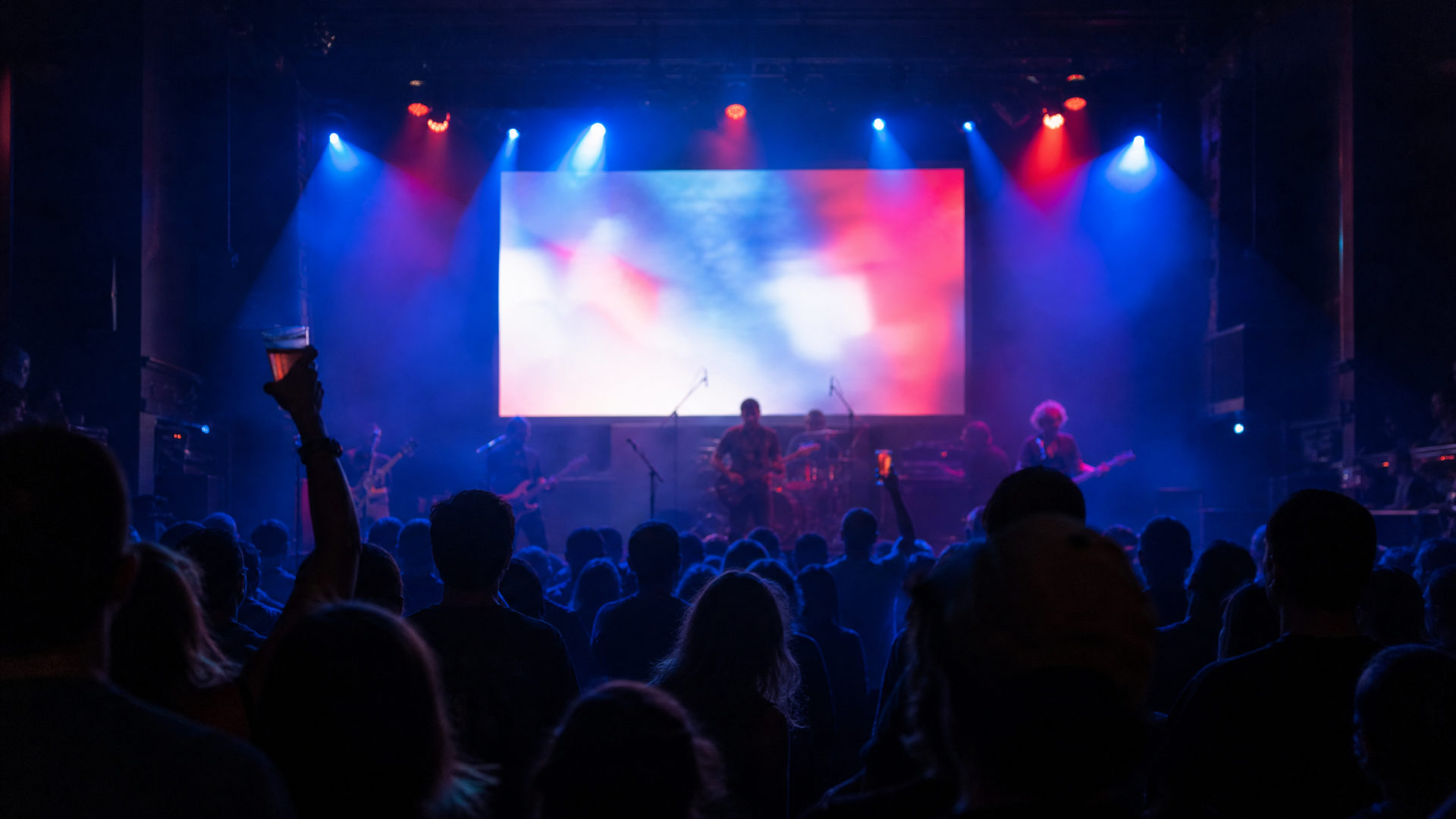
Less herding.
More playing.
And the rest of the rig
Everything else you'd expect —
and a few things you wouldn't
◉
Roles that match the room
Owner, admin, manager, musician — plus a house-band tier for the players who hold the night down. Everyone sees exactly what they should.
❖
Your brand on every surface
Upload light and dark logos, set your colors once, and every page — public setlist, stations, the big screen — wears your look.
♫
A songbook that remembers
One canonical library with keys, durations, cover art, and charts in PDF or ChordPro — per instrument, marked preferred.
⟳
Spotify, synced weekly
Connect once and your weekly playlist tracks the setlist. Every song links straight to the recording.
◷
Schedules that run themselves
Weekly, biweekly, monthly — set the rule and Jam Night projects every date, time, and location. Expired links point to the next jam.
✎
Talk it out, per song
Every song gets its own discussion thread with @-mentions. Sort the key change before downbeat, not during it.
◍
Guests welcome, no app
A QR scan drops anyone into the live setlist or a read-only chart station. No account, no download, no friction.
⚡
AI-generated screen looks
Describe a vibe and get matched backgrounds, banners, palettes, and font pairings for the big screen — per jam or per season.
How it works
Three moves. That's the whole gig.
01
Announce the night
Set the schedule rule once. Publish the jam and share one link — text it, post it, or let the QR on the screen do the work.
02
The lineup builds itself
Musicians swipe through the songbook, rank their picks, and say when they can arrive. You watch the signups roll in.
03
Showtime runs on rails
Advance the setlist and every screen follows — stations flip charts, the big screen updates, and the room stays in the music.

Your next jam deserves
a soundcheck-smooth night
Set up your org, load the songbook, and run your first show on Jam Night this week.